
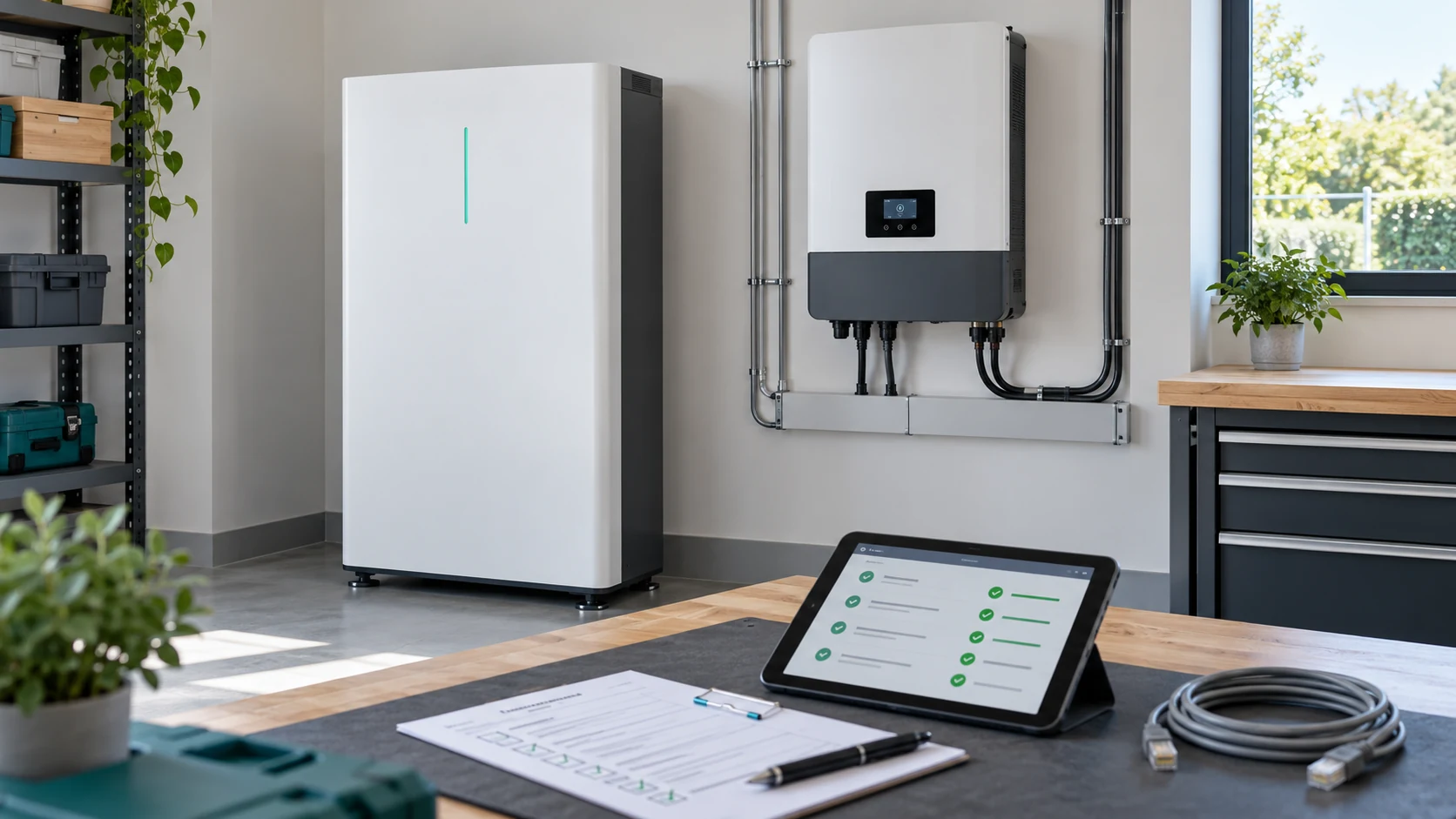
LiFePO4 battery inverter compatibility depends on the complete system: operating voltage, continuous current, charging controls, communication protocol, firmware and protective behaviour. A matching “48V” label or an RJ45 socket is only a starting point. Before ordering, verify the exact battery–inverter combination and agree on evidence that it works under the conditions your project will encounter.
For an installer, an incompatible pairing means a delayed commissioning visit. For a distributor, it can mean a warehouse of batteries that need different cables or firmware. For an OEM brand, it can become a recurring support problem across many installations. The useful question is therefore specific: will this battery model, with this hardware and software revision, deliver the required service with this inverter?
LiFePO4 battery inverter compatibility: the nine-check overview
Compatibility has three separate layers. Electrical compatibility establishes whether energy can flow within the equipment ratings. Control compatibility establishes whether the inverter understands the battery’s limits. System compatibility establishes whether the installation behaves correctly during normal use, changing conditions and interruptions. A quotation should address all three.
| Check | Question to settle | Useful evidence |
|---|---|---|
| 1. Voltage | Do all operating limits fit? | Battery and inverter voltage ranges |
| 2. Current | Can the battery sustain the load? | Continuous and timed peak ratings |
| 3. Charging | Who controls every charge source? | Charge limits and control description |
| 4. Protocol | Do both devices interpret the same messages? | Supported protocol and operating mode |
| 5. Cable | Are the ports and connections correct? | Approved cable drawing or part number |
| 6. Firmware | Which revisions were validated? | Versioned compatibility record |
| 7. Parallel operation | Is the proposed bank supported? | Module count and aggregation method |
| 8. Protection | What happens when limits change? | Protection and recovery test record |
| 9. Acceptance | What qualifies the system for release? | Signed test plan and configuration backup |
Use this table as a document request, rather than accepting nine verbal assurances. Assign an owner to each unanswered item. If a supplier needs your inverter firmware or installation temperature before confirming a pairing, that is a sensible request for missing information.
1. Match the operating voltage range, not just the nominal label
Nominal voltage describes a battery platform; it does not describe every voltage the inverter will see. A battery advertised as 48V may have a nominal voltage of 51.2V, but its actual operating window depends on its cell configuration and manufacturer-defined limits. The inverter must accept that window, including its charging requirements and its behaviour near the discharge limit.
Collect the minimum operating voltage, recommended charging range and maximum permitted voltage from the battery documentation. Then compare them with the inverter’s battery input range, startup requirements and configurable shutdown settings. Also establish whether the inverter reduces output power near the lower end of its DC range.
For a high-voltage system, obtain the approved module-count range and the resulting string-voltage window. Do not assume that an inverter accepting a high maximum voltage will operate with any smaller stack. Startup voltage can prevent an undersized string from working even when its maximum voltage seems acceptable.
Keep the distinction between a complete battery pack and a series-ready module clear. Connecting finished low-voltage batteries in series requires explicit support from their manufacturer; physical similarity is not permission. If you need background on nominal voltage and state of charge, use our LiFePO4 voltage chart guide alongside the actual model documentation.
2. Check continuous current, surge duration and low-voltage operation
An inverter’s AC power rating is not the current it draws from the battery. At a first approximation, DC current equals AC output power divided by battery voltage and inverter efficiency. Current rises as battery voltage falls for the same AC output. Screening only at nominal voltage can therefore hide a problem near the end of a discharge.
Battery current ≈ AC output power ÷ (DC voltage × inverter efficiency)
Use watts and volts to obtain amperes. This simplified calculation excludes other DC loads and does not replace the inverter’s published input-current limits or design calculations.
Check the battery’s recommended continuous current separately from its maximum continuous current. If a product specifies a peak rating, record the permitted duration, temperature and recovery conditions. A three-second peak cannot support a pump requiring a longer start, and it cannot be treated as extra continuous output.
The weakest rated component can determine the system limit: battery electronics, terminals, disconnects, cables, busbars or the inverter input. It is possible to have enough stored kilowatt-hours while lacking the current capability to run the specified load. Conversely, a high-current battery does not make an undersized inverter deliver more AC power.
Ask for a load schedule that identifies simultaneous appliances and starting loads. Where equipment has a motor or compressor, use its measured or manufacturer-specified starting behaviour. Our home battery sizing guide discusses the wider load-planning process; this check determines whether the selected hardware can meet that plan.
3. Establish how charging limits reach every charge source
Battery charge acceptance is a separate constraint from discharge capability. A system may supply its loads correctly yet receive too much charging current when solar, grid charging and another source operate together. List every device capable of charging the battery, not just the main hybrid inverter.
Decide whether the system uses fixed settings, battery-managed limits or a manufacturer-approved combination. In a managed system, the battery can communicate allowable charging voltage and current. As a specific example, Victron’s DVCC documentation describes charge-voltage, charge-current and discharge-current limits received from supported managed batteries. That arrangement has defined hardware and configuration requirements; it is not a universal behaviour of every inverter with a CAN socket.
For your own project, request a control diagram identifying which device sets each limit and which sources obey it. A useful acceptance question is: if the battery reduces its allowed charge current, does total battery current fall accordingly when all relevant sources are available?
Do not copy lead-acid equalisation or temperature-compensation settings into a lithium configuration without explicit approval. Use the battery manufacturer’s settings for the exact model and operating mode. Any fallback settings should be recorded as part of the approved system configuration, rather than left at an installer’s remembered defaults.
4. Distinguish the communication interface from the battery protocol
“CAN supported” and “RS485 supported” describe useful capabilities, but they do not establish that two products exchange understandable battery information. RS485 specifies electrical communication characteristics; the application messages must still match. Texas Instruments’ RS485 explanation explicitly separates the physical layer from higher-level protocols and connector choices.
For CAN-based systems, the relevant battery message definitions still need agreement: identifiers, units, scaling, timing and handling of missing data. Two devices can share a physical interface while expecting different meanings from the information travelling through it.
| Claim | What it tells you | What remains to verify |
|---|---|---|
| “It has CAN” | A CAN interface is available | Supported battery protocol and settings |
| “It has RS485” | An RS485 interface is available | Message map, speed and device roles |
| “SOC appears on screen” | Some data is being received | Current limits, alarms and control response |
| “The brand is supported” | A pairing may exist in that family | Exact models, revisions and restrictions |
Ask which data points are exchanged and which actually control operation. A displayed state of charge is useful, but it does not prove that charge inhibition, discharge limits or alarms are handled correctly. Include these behaviours in the test plan instead of treating an attractive monitoring screen as the final acceptance test.
5. Verify the communication cable and port assignment
An RJ45 connector can be used for Ethernet, battery communication or a manufacturer-specific service interface. Its shape does not establish the signal assignments. A familiar-looking network cable can therefore be the wrong cable for a particular battery–inverter connection.
Request the approved cable part number or a revision-controlled pinout drawing for both ends. Confirm the intended ports, cable length limits, shielding requirements and any termination instructions. If the equipment uses selectable communication ports, specify which one connects to the inverter and which one connects to other batteries.
Do not publish or reuse a generic pin-to-pin recipe across brands. The right commissioning record identifies the actual cable supplied with the system. Label replacement cables so a service technician can distinguish the inverter link from the inter-battery link.
For procurement, cable availability is also a spare-parts question. If a special lead is necessary, include a spare or a supported replacement route in the shipment plan. A small accessory should not become the only component that prevents a replacement battery from returning to service.
6. Freeze a validated firmware and settings combination
A compatibility statement should identify the battery model, BMS hardware revision, BMS firmware, inverter model and inverter firmware. Where a gateway or system controller is involved, include it too. A photograph of a working installation rarely supplies all this information.
Manufacturer guidance can be version-specific. For example, the Victron and BYD integration page includes model and firmware requirements. Its details apply to that documented combination, not automatically to a different battery using a similar communication mode.
Record the settings used during approval and retain an export or screenshots. Give that configuration a clear revision. Before bulk delivery, confirm whether the production units will ship with the same revisions as the evaluated sample. If something changes, identify which checks must be repeated.
A sensible update policy balances supportability with stability. New commissioning may require a supported current version, while an established installation needs a reasoned update plan. Do not promise that every future inverter update will remain compatible indefinitely; define who reviews changes and how affected customers receive instructions.
7. Validate the battery bank, not only one module
A single battery communicating successfully does not establish that a four-module bank will be reported or controlled correctly. Confirm the supported number of modules, the address-setting process and the role of the master battery or controller. The inverter should receive an appropriate view of the complete bank.
Inspect how allowable current changes when a module becomes unavailable. A bank that can support a load with two modules may no longer support it with one. The design must either remain within the surviving module’s capability or reduce the load according to its intended operating strategy.
Electrical sharing also matters. Victron’s battery-bank wiring guidance illustrates how connection resistance affects current sharing. For an actual installation, the designer must account for cable paths, connections, protection and the approved battery arrangement.
Ask whether the manufacturer permits mixing capacities, revisions or ages. Do not infer permission from the fact that both batteries carry the same nominal voltage. If future expansion is part of the sale, document the expansion process and the restrictions before the first order, while the customer can still choose another architecture.
8. Define protection, communication-loss and recovery behaviour
Normal operation is only part of LiFePO4 battery inverter compatibility. The system also needs a defined response when the battery becomes too cold to charge, reaches a discharge limit, reports an alarm or stops communicating. Protective behaviour must be established without deliberately operating equipment outside its permitted limits.
Use manufacturer-approved simulation or test procedures where a protective condition needs verification. Do not create a real overcharge or short circuit to “check the BMS.” The objective is to verify control response and safe recovery, not to damage a sample.
Discuss what the customer experiences during each event. Does charging pause while loads continue? Does the inverter stop output? Is grid supply available? Is a manual restart required? Which alarm appears, and where is it recorded? These are operational requirements that affect whether the system meets the promised application.
The battery’s protective functions and the installation’s disconnects and overcurrent protection remain necessary even when communication works. Victron’s compatibility guidance also distinguishes communication from independent battery protection. Treat a data link as a control path, not as a substitute for the complete protective design.
9. Agree on measurable acceptance evidence before buying
Convert the checks into a short acceptance plan with an owner, procedure and expected result for each item. Define the tested environmental conditions and the instruments used. If test results come from another system, compare its models and revisions with your proposed configuration before accepting them as relevant evidence.
A useful record includes startup, normal charging, sustained discharge at the intended duty, representative load changes and the approved recovery tests. It also includes the actual battery voltage, current, temperature and relevant messages. “Passed” is more useful when the report shows what was measured.
For a distributor, add a repeatability check using another production unit. For an OEM project, agree which component substitutions require notification or revalidation. A change in a BMS board or communication module can matter more to compatibility than a visible change to the enclosure.
Keep market access separate from functional acceptance. A functioning pair is not automatically an approved installation for every country. Confirm the applicable product and system documentation with the responsible parties. Our battery certification guide explains why the product named in a document and the scope of that document both matter.
Worked example: screening an 8kW inverter pairing
Consider a hypothetical 8kW AC load supplied by a battery system operating at 46V during a particular part of its discharge. Assume 94% inverter efficiency at that operating point, no additional DC loads, and a candidate battery with a documented 150A continuous limit under the specified conditions. These are illustrative assumptions, not SafeCloud product ratings.
8,000 ÷ (46 × 0.94) ≈ 185A
At 150A, the same simplified relationship gives approximately 46 × 150 × 0.94 = 6.49kW of AC output.
The single candidate battery fails this particular continuous-current screen. A larger energy capacity would not fix that unless the alternative also had an adequate current rating. A second approved parallel battery might be a candidate solution, but its current sharing, aggregated limits, cabling and inverter configuration would still need checking.
Compare a different hypothetical battery rated for 200A continuous under the same conditions. It passes the simple 185A screen, but that result does not establish adequate design margin for temperature derating, extra DC loads or starting events. Nor does it establish the communication pairing. Passing one check advances the evaluation; it does not complete it.
If loss of one module must not interrupt essential services, calculate the remaining bank’s capability and identify which loads can stay on. That requirement may justify a different configuration from a system where a controlled reduction in output is acceptable. State the availability requirement explicitly rather than hiding it inside an oversized capacity recommendation.
Troubleshooting: collect evidence before changing settings
Many different faults produce similar user-visible symptoms. Begin with the model and revision record, event timestamps and recent changes. Change one documented variable at a time and preserve the previous configuration. The table below suggests diagnostic directions, not guaranteed causes or live electrical repair instructions.
| Symptom | Check first | Useful evidence |
|---|---|---|
| Battery not detected | Approved port, cable, protocol and revision | Port photographs and version screenshots |
| SOC visible but charging restricted | Reported limits, temperature and control mode | CCL/CVL values and event log |
| Shutdown when a load starts | Timed surge limits and voltage under load | Load profile and alarm timestamp |
| Only part of the bank appears | Module addresses and aggregation | Detected count and module status |
| Issue after an update | Validated version combination | Before/after versions and settings |
| One module repeatedly reaches a limit | Individual condition and current sharing | Per-module current, SOC and temperature |
Package the evidence in one support request. “The inverter does not like the battery” sends the investigation back to the beginning. “Charging stopped at this timestamp, with these reported limits and these firmware versions” gives the support team a reproducible starting point.
What to send for a battery–inverter compatibility review
Before requesting a quotation, provide the following information. An incomplete item is not a reason to guess; mark it as unresolved and assign it to the party who can confirm it.
- Inverter manufacturer, exact model, hardware revision and firmware.
- Battery platform, candidate model, required quantity and expansion plan.
- Continuous AC load, relevant surge loads and other DC loads.
- Charging sources and the maximum available charging duty.
- Required communication mode and any gateway or controller.
- Operating temperatures, installation location and service access.
- Backup expectations, including behaviour when one module is unavailable.
- Destination market, requested documentation and acceptance criteria.
Keep the final pairing information with the commercial quotation. The order should identify what will actually ship: batteries, approved communication leads, required accessories and configuration instructions. Define who owns a problem if the inverter supplier changes firmware after delivery.
LiFePO4 battery inverter compatibility FAQ
Can any 48V lithium battery work with any 48V inverter?
No. The operating voltage range, current capability, charge controls and supported configuration must match. A nominal voltage label is a screening clue, not a complete specification. A managed system may also require a particular protocol, cable, gateway and firmware combination.
Is CAN better than RS485 for battery communication?
The useful choice is the interface and protocol supported by the exact equipment pairing. An interface name alone does not prove compatibility. Ask for the approved configuration and evidence that the required limits and alarms are correctly exchanged and acted upon.
Can a lithium battery operate without inverter communication?
Some systems support operation with approved fixed settings and appropriate battery protection. Others require a managed connection. Follow both manufacturers’ instructions; do not disable required communication merely to clear an alarm. Also consider which monitoring and control functions would be unavailable.
Does appearing on a compatibility list guarantee every installation?
No. Read the model, revision, module-count and configuration conditions attached to the entry. A listing is important evidence within its scope. It does not replace correct sizing, protection, installation or compliance review for the particular project.
Does absence from a list prove the battery cannot work?
Not always. A manufacturer may support additional pairings through documented evaluation or a supplier-led process. Ask how approval is established and who provides support. Avoid treating an unverified claim as equivalent to a published or otherwise documented pairing.
Will adding batteries solve an inverter overload?
Only if battery capability is the limiting factor and the expanded bank is supported. Additional batteries do not increase the inverter’s own AC rating. Investigate load demand, current limits, voltage behaviour and the event log before deciding which equipment needs changing.
What is the most useful document to retain after commissioning?
A complete configuration and acceptance record: exact models, revisions, cable identification, settings, tested operating conditions and results. Retain the installer’s system documentation as well. This makes a replacement, update or future expansion much easier to assess.